
Read Japanese Kindle Books with AI Help
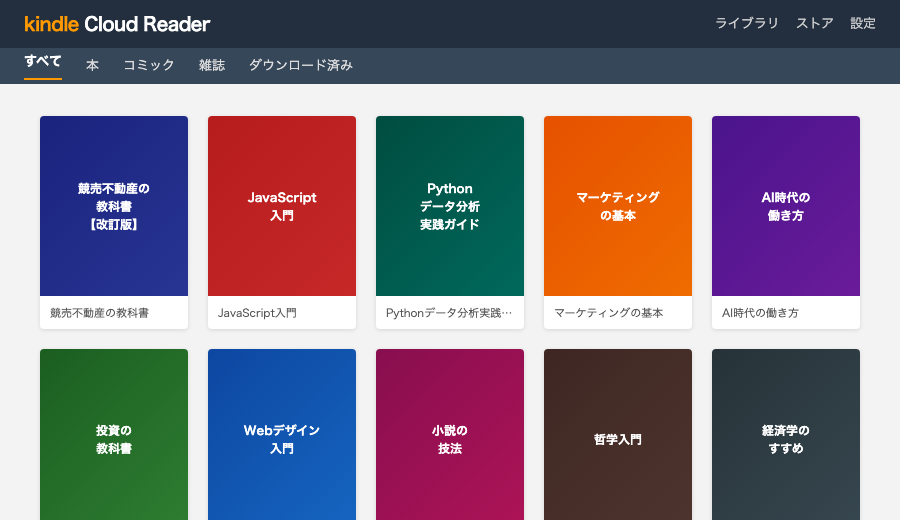
If you buy Japanese Kindle books but struggle to turn them into usable study material, BookHalo can create transcribed text from the pages you can view in Kindle Cloud Reader.
Best fit: Japanese novels, light novels, nonfiction, and study books with printed text. Manga and heavily image-based layouts may need separate validation.
Why this is different from ordinary highlights
Japanese reading workflows often need full sentences and surrounding context. A few highlights are not enough if you want dictionary lookup, AI-assisted explanation, or translation support for your own reading.
Workflow
- Buy or open a Japanese Kindle book you can lawfully access.
- Open it in Kindle Cloud Reader or Kindle for Web in desktop Chrome.
- Run BookHalo to capture visible pages and create the transcribed text.
- Use
full_text.txtwith your personal study workflow, dictionary tools, or AI tools if their terms allow it.
Supported reading styles
- Vertical Japanese text
- Horizontal Japanese text
- Japanese and English mixed printed pages
- Two-page spreads, with automatic splitting where supported
Positioning
BookHalo does not replace learning Japanese, translators, authors, or publishers. It helps readers create personal study material from books they can already access.
Try BookHalo with a few pages from a Japanese Kindle Cloud Reader book.
Open BookHalo on Chrome Web Store